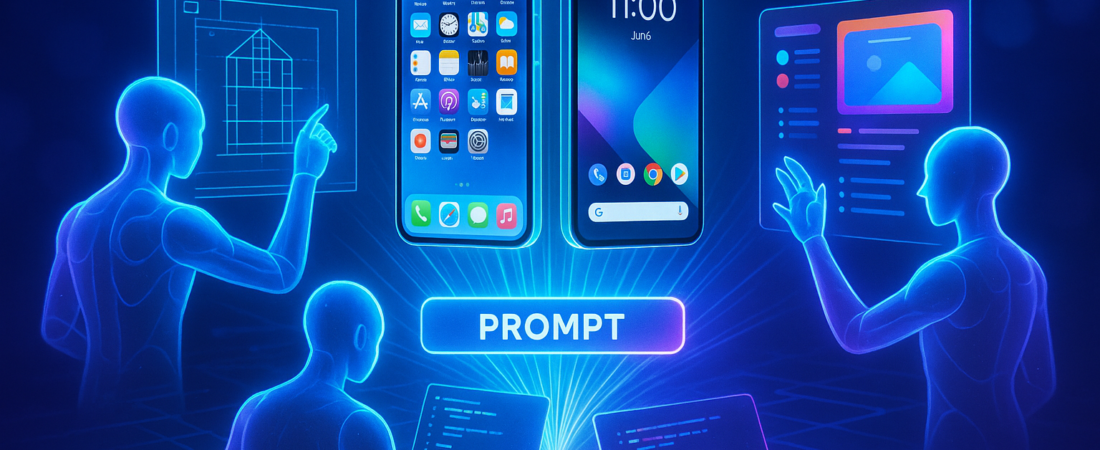
Building a mobile app used to be a months-long marathon of hiring, wireframing, and debugging. Today, that timeline just collapsed into the time it takes to brew a cup of coffee. At the Google Cloud Summit ’26, MWM AI unveiled its “AI Mobile Squad”—a coordinated trio of Gemini-powered agents that don’t just write “snippet” code, but architect, design, and ship native iOS and Android apps from a single prompt.
| Attribute | Details |
| :— | :— |
| Difficulty | Beginner to Intermediate |
| Time Required | 3–5 Minutes |
| Tools Needed | MWM.ai, Gemini Enterprise, Google Cloud account |
| Best For | Solopreneurs, SMBs, and Rapid Prototyping |
The Why: Moving Beyond Generalist Chatbots
Most AI “app builders” are glorified code-monkeys. They can give you a basic login screen or a simple calculator, but they lack the professional discipline required to ship a product that actually survives the App Store review process. If you’ve ever tried to build an app with a general-purpose LLM, you know the “hallucination loop”: the AI writes code, the code breaks, and you spend four hours trying to explain the error to a bot that has forgotten the original design.
MWM AI solves this by moving from a single generalist to a specialized squad. By leveraging Google Cloud’s Gemini 3.5 and “Nano Banana” (for image generation), they’ve replicated a human agency’s workflow. This matters because it treats app development as a series of distinct professional handoffs rather than one giant, messy prompt. This shift is part of a larger trend where specialized AI agents are replacing general-purpose chatbots to handle high-complexity tasks with greater precision.
Step-by-Step: Hiring Your AI Product Team
The AI Mobile Squad isn’t a single chat window; it’s an orchestrated workflow. Here is how to put it to work.
- Define the Product Vision: Head to MWM.ai and enter your core concept. Instead of writing code, you’ll first talk to the Product Manager Agent. It will interview you to define user personas and feature sets, producing a “Product Brief” that serves as the ground truth for the other agents.
- Generate the Design System: Once the brief is locked, the Designer Agent takes over. It doesn’t just suggest colors; it generates a complete UI/UX kit, including screen mockups and App Store-ready icons using the Nano Banana model for high-fidelity assets.
- Compile the Native Code: The Developer Agent receives the finalized designs and writes the actual logic. Crucially, it outputs SwiftUI for iOS and Kotlin for Android—the specific native languages used by Apple and Google—rather than clunky web-wrappers. This reflects the same level of automation seen in other enterprise sectors, such as AI-driven software development platforms that are slashing production times for legacy updates.
- Integrate Business Logic: Unlike “playground” tools, the squad automatically wires in the boring-but-essential stuff: paywalls, ad monetization via Google AdMob, and real-time analytics.
- Ship to the Stores: Use the built-in distribution workflow to push your build directly to App Store Connect or the Google Play Console.
💡 Pro-Tip: Use the “Discovery Interview” phase to specify your monetization strategy early. The PM Agent can bake subscription tiers or A/B testing anchors into the initial brief, which ensures the Developer Agent includes the necessary SDK hooks without you having to add them manually later.
The Buyer’s Perspective: Is It Better Than “Cursor” or “Replit”?
If you are a hardcore engineer, you’ll likely stick to Cursor or Replit for the granular control they offer. However, for the entrepreneur who doesn’t want to see a single line of code, MWM AI is a massive leap forward. Tools like the Cursor 3 editor are excellent for those who want to oversee the codebase, but the “Mobile Squad” approach is designed for those who want to outsource the entire lifecycle.
The competitive advantage here isn’t just the AI—it’s the proprietary data. MWM has one billion downloads across 70+ existing apps. They’ve trained these agents on their own internal design systems and growth patterns. While a general AI learns from the “average” code found on GitHub, the Mobile Squad is essentially “cloning” the expertise of a developer who has already reached the top of the App Store charts.
The downside? It’s a “walled garden” approach. You are trading infinite flexibility for speed and a higher probability of commercial success.
FAQ
Does the AI Mobile Squad handle backend infrastructure?
Yes. Through its partnership with Google Cloud, it utilizes Cloud Run and Cloud Spanner to handle real-time data and user management, meaning your app is “serverless” and scales automatically. This level of integration is becoming standard as the Gemini Enterprise Agent Platform matures into a full-scale corporate operating system.
Can I export the code to my own IDE?
While the platform is designed for end-to-end management within MWM, it generates clean SwiftUI and Kotlin code that can be integrated into standard development environments if you decide to take the project “in-house.”
How much does it cost?
MWM AI operates on a subscription model (following a free trial), which includes the hosting, the agentic reasoning tokens, and the distribution tools.
Ethical Note/Limitation: While this tool drastically lowers the barrier to entry, it cannot replace original human creativity or the nuanced legal requirements of specific industries like Fintech or Healthcare.