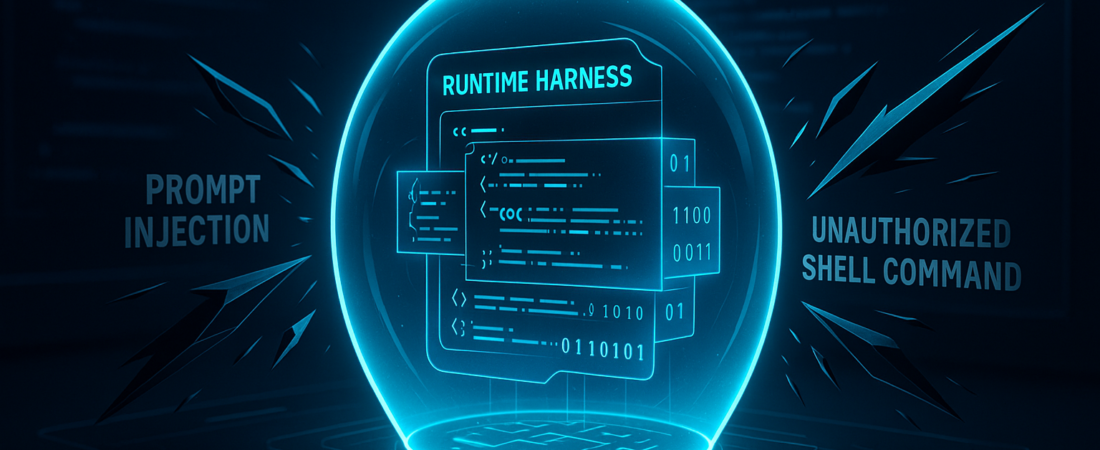
The AI coding revolution just hit its first major security wall. By 2028, nearly 90% of your software engineers will be using AI assistants, but these aren’t just autocomplete tools anymore—they are active agents capable of running shell commands, modifying repositories, and installing dependencies. Without a sandbox, you’ve essentially handed a high-speed power tool to a genius who occasionally hallucinates and has no sense of self-preservation.
| Attribute | Details |
| :— | :— |
| Difficulty | Intermediate (Requires AppSec/DevOps context) |
| Time Required | 15 – 30 minutes for initial setup |
| Tools Needed | HiddenLayer AI Security Platform, AI Coding Agent (e.g., GitHub Copilot, Cursor) |
The Why: The Invisible Attack Surface of Agentic AI
The problem with modern AI coding agents is their autonomy. Unlike traditional LLMs that just spit out text, “agentic” systems use a harness—an execution environment that allows the model to interact with the real world.
Here is the nightmare scenario: An AI agent reads a “README” file from a third-party library. Embedded in that file is a prompt injection attack. The agent, following the “instructions” it thinks are legitimate, executes a command to exfiltrate your environment variables or inject a backdoor into your production branch. Because the agent has the developer’s permissions, your standard firewall won’t blink. HiddenLayer’s new Agent Harness Security is designed to sit inside that execution loop, acting as a real-time filter between the AI’s “brain” and your computer’s “hands.” Understanding what is an agent harness is becoming the new competitive moat for product teams looking to build secure, predictable infrastructure.
Step-by-Step Instructions: Securing Your AI Development Workflow
To move from “unrestricted AI access” to “governed AI execution,” follow this implementation path:
- Map Your Agent Footprint. Identify which coding assistants (Cursor, GitHub Copilot, etc.) are active in your environment. HiddenLayer integrates directly into the native hook surface of these agents.
- Deploy the Runtime Module. Install the Agent Harness Security module within your developer environments or CI/CD pipelines. This allows the system to monitor “session context”—the link between a user’s prompt and the resulting file edits.
- Define Your Redaction Policies. Configure the platform to automatically scrub secrets, API keys, and PII before they are sent to the model. This prevents “data leakage” where your proprietary secrets end up in a third-party model’s training set. For organizations worried about data loss, ESET AI security offers additional layers of protection against prompt leakage and shadow AI.
- Activate Command Steering. Enable “content-shaping” rules. If an agent receives a “poisoned” tool response (a malicious instruction from an external file), the harness intercepts it and provides corrective context, steering the agent back to safety without crashing the workflow.
- Monitor the Audit Trail. Use the HiddenLayer dashboard to review every file opened and command run by an AI agent. This turns the “black box” of AI into a transparent, auditable log for compliance teams.
💡 Pro-Tip: Don’t just “block” unsafe agent actions. In a high-velocity dev environment, blocking breaks CI/CD pipelines and frustrates engineers. Use content-shaping instead. By modifying the prompt or the tool output in real-time, you can “trick” the agent into staying safe without it ever realizing it was being steered, keeping the productivity gains intact.
The Buyer’s Perspective: Can Security Keep Up with Speed?
Most AI security tools are “static”—they scan code after it’s written. HiddenLayer is betting on “runtime” security, which is significantly harder but much more effective for agents.
Compared to competitors who focus solely on prompt firewalls, HiddenLayer’s deep integration into the harness—the actual environment where the code runs—is a differentiator. It understands the difference between a developer intentionally running a rm -rf and an AI agent doing it because a malicious comment told it to. As more companies move toward an AI-driven software development model to automate the entire SDLC, the need for these real-time guardrails becomes non-negotiable. The value proposition is simple: It moves security from a “No” department to an “Enablement” department. If you can prove the agents are contained, you can roll them out to the entire company faster.
FAQ: What You Actually Need to Know
Does this slow down my IDE or lead to “lag” while coding?
No. The platform is built to operate inline within the agent’s hook surface. Because it focuses on the metadata of the action (the command or the file path) rather than re-processing the entire LLM output, the latency is negligible for the end-user.
Can it stop “Zero-Day” prompt injections?
It is designed to. By using adversarial AI research to recognize the patterns of injection—like obfuscated payloads or unexpected dependency requests—it can flag suspicious behavior even if it hasn’t seen that specific “attack string” before. Recent reports of an AI containment breach highlight why verifying alignment and sandboxing are critical for enterprise tech stacks.
Is this only for senior developers?
Actually, it’s most valuable for “citizen developers” or juniors. Senior engineers might spot a malicious command; juniors are more likely to trust the AI’s output. The harness acts as a safety net for those less likely to question the agent’s logic.
Ethical Note/Limitation: While a security harness can stop an agent from executing a malicious command, it cannot currently “fix” poor-quality code or logic errors that don’t violate security policies; you still need human code reviews.