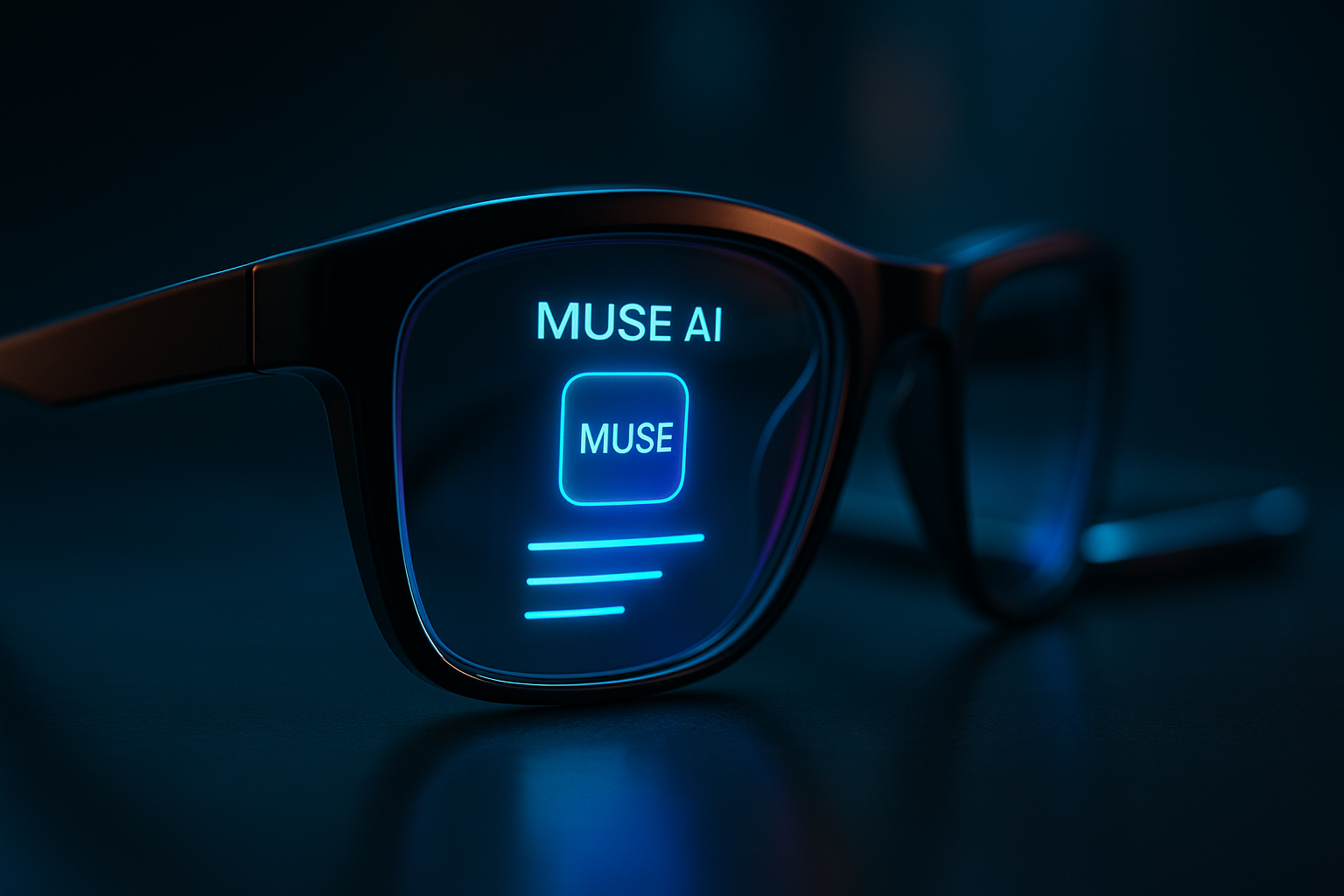
The era of the “glass slab” is officially on life support. At Meta Connect 2026, Mark Zuckerberg didn’t just announce new gadgets; he signaled the end of looking down. With the debut of Muse, a ubiquitous AI agent, and hardware that finally looks like normal eyewear rather than a Silicon Valley fever dream, Meta is betting everything on a world where your computer lives on your face and your AI agent has its own email address.
| Attribute | Details |
| :— | :— |
| Impact Level | Industry-Disrupting (Advanced) |
| Key Release | Muse AI, Meta VR Glasses, Ray-Ban Gen 3 |
| Availability | Rolling out now through Spring 2027 |
| Core Tools | Muse Agent, Meta Quest, Ray-Ban Meta Audio |
The Why: The Frictionless Frontier
We’ve spent the last decade tethered to smartphones that demand our constant, neck-straining attention. Meta’s Connect 2026 keynote focused on solving the “attention tax.” By moving the interface from your pocket to your field of vision, Meta aims to make computing ambient.
You should care because this isn’t just a spec bump. This is the integration of “Superintelligence” into daily life. When your glasses can see what you see—and take action on it without you touching a screen—the barrier between thought and execution disappears. If you’re a professional, a developer, or a creator, the way you interface with the digital world is about to become a conversation, not a series of taps and swipes.
How to Navigate the New Meta Ecosystem
Meta’s lineup is now fragmented but functional. Here is how to position yourself to use these tools as they roll out.
- Deploy Muse for Mac immediately. Don’t wait for the glasses. The new “Computer Use” feature allows Muse to drive apps on your desktop. Set it to handle repetitive data entry or file management while you’re away from your desk.
- Personalize your Agent’s Persona. Use the new voice design tools. Instead of a generic robotic tone, describe a specific accent or cadence that fits your workflow. A faster, more urgent voice for “work mode” and a calmer one for personal tasks.
- Audit your hardware needs. If you need “always-on” AI without the visual clutter, opt for the new Ray-Ban Meta Audio glasses. They are lighter and focus on the Muse voice interface. If you are a power user, wait for the Meta VR Glasses arriving in Spring 2027.
- Activate “Look and Ask.” Once your glasses update, stop describing things. Look at a complex menu or a broken piece of machinery and simply say, “Muse, what am I looking at and how do I fix/order this?”
- Bridge your workspace. Use the Meta VR Glasses to replace your multi-monitor setup. Since they weigh only 100g, you can actually wear them for an eight-hour shift, turning any coffee shop table into a private, IMAX-sized triple-monitor workstation.
💡 Pro-Tip: Muse now has its own email address. Stop copy-pasting notes to yourself. Forward complex newsletters, flight itineraries, or project briefs directly to your Muse’s email. It will process the data and have it ready for a verbal debrief the moment you put your glasses on. For a full breakdown on setting up these capabilities, check out this Meta Muse AI agent guide.
The Buyer’s Perspective: Meta vs. The World
Meta is finally leaning into its greatest advantage over Apple and Google: Style.
By offering over 100 styles through partnerships with Ray-Ban and Oakley, they’ve bypassed the “glasshole” aesthetic that sank previous AR attempts. The Meta VR Glasses at $1,299 are a direct shot at the Apple Vision Pro. While Apple doubles down on heavy, high-fidelity headsets, Meta is offloading the “brain” of the device to a separate puck you clip to your belt. This makes the headset five times lighter than the Quest 3. This hardware shift is part of a broader trend where Meta AI glasses are finally outrunning the hype by focusing on utility and form.
However, the “Muse” agent is the real product here. While Siri and Gemini are still largely reactive, Muse is being built to be proactive. The fact that it can “drive” your Mac apps suggests Meta is winning the race toward “Action-Oriented AI”—agents that don’t just talk, but actually do. This transition highlights the growing dominance of autonomous AI agents in the 2026 tech landscape.
The downside? Privacy remains the elephant in the room. You are giving Meta a 360-degree, Dolby Atmos-quality feed of your entire life. For many, that’s a price too high for a hands-free grocery list.
FAQ: What You’re Actually Asking
Do I need a Meta One subscription for the best features?
Mostly, yes. While basic AI features are included, high-end utility like the FDA-cleared hearing enhancement ($149) or advanced Muse capabilities are often gated behind the subscription or additional hardware costs.
Can the Meta VR Glasses really replace my laptop?
Technically, yes. With 5K micro-OLED panels and “surface input” that turns any desk into a keyboard, the hardware is there. However, your productivity will depend on how well Muse handles your specific professional software via the Mac connector.
Is “Muse” just another chatbot?
No. Think of it as an “Agentic Layer.” Because it has its own email and can control your computer screen, it functions more like a digital assistant with a high IQ than a simple text-generator. You can see how this compares to other market leaders in our Meta Muse AI guide.
Ethical Note / Reality Check
While Meta’s “Hologram” technology promises photorealistic avatars, current battery tech still limits these high-fidelity experiences to relatively short bursts unless you’re tethered to a power source.