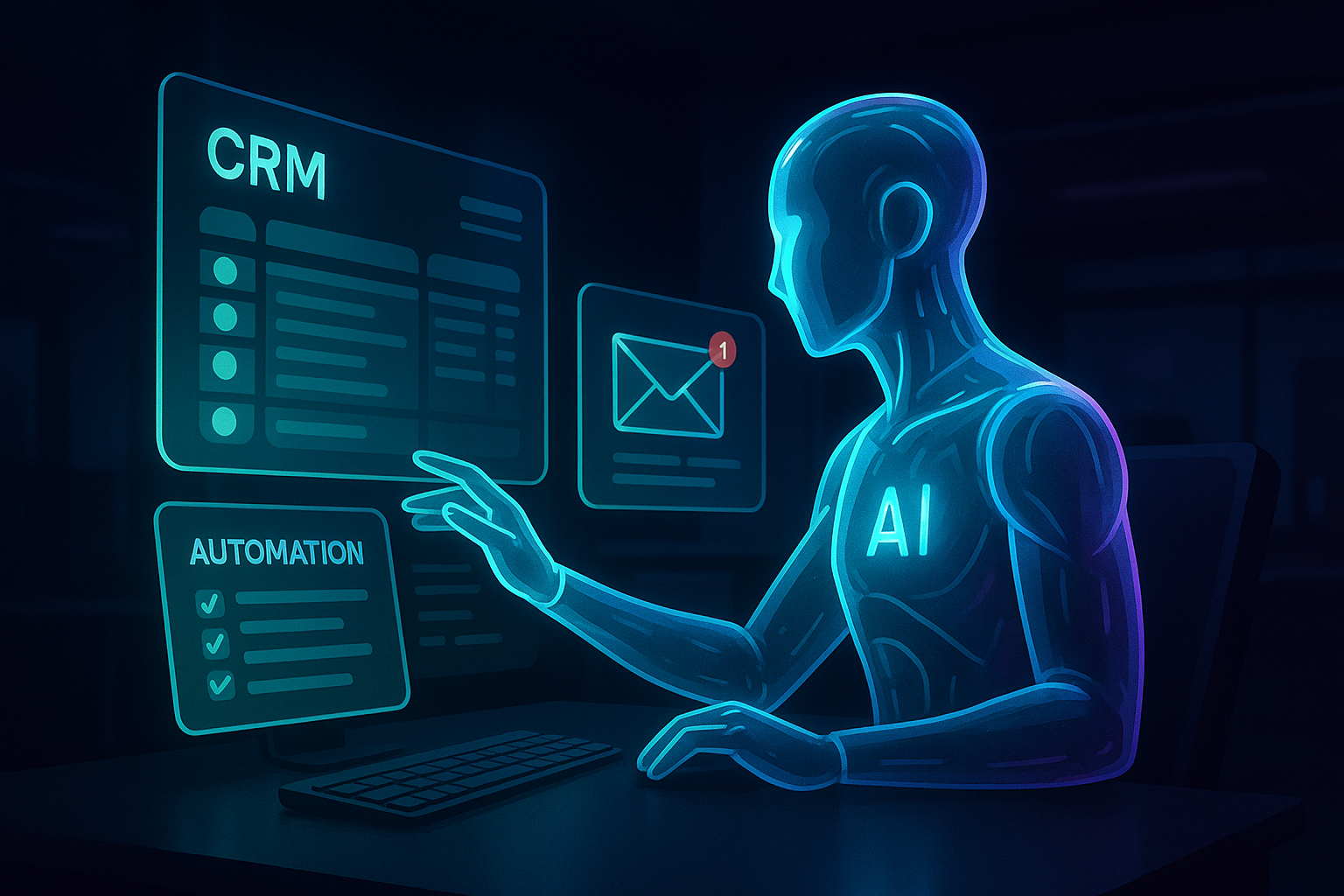
You open your phone on a Monday morning. Instead of a chaotic wall of 47 unread emails and a cluttered calendar, you see three short notifications: “Inbox sorted. 3 need your eyes.” “Drafted 8 follow-ups to last week’s leads. Ready for review?” “14 receipts processed. 2 missing.”
While you were sleeping, your software was working. Not just running a script or waiting for a prompt, but actively making decisions, navigating your CRM, and researching your competitors.
The era of “Chat-based AI” is ending. The era of the Always-On Agent has arrived.
| Attribute | Details |
| :— | :— |
| Difficulty | Intermediate |
| Time Required | 30–60 minutes for initial setup |
| Tools Needed | xAI (Grok), Meta (Muse), OpenAI (Dots), or Zapier Central |
The Why: From Chatbots to Digital Employees
For the last two years, we’ve treated AI like a sophisticated search engine. You ask a question; it gives an answer. It’s passive. The moment you close the tab, the work stops.
The industry is pivoting. Within a single month, three giants—xAI, Meta, and OpenAI—all signaled a move toward autonomous agents (Grok Bot, Muse, and Dots, respectively). These aren’t just smarter LLMs; they are systems with “persistence.” They have their own dedicated compute, a persistent memory of your preferences, and the ability to operate tools independently.
We are moving away from Prompt Engineering and toward Delegation. You should care because this is the first time AI stops being a tool you use and starts being a teammate you manage. Many professionals are already seeing this shift as GPT-5.4 autonomous agents move beyond prompting to execute complex workflows and manage tools.
Step-by-Step Instructions: Deploying Your First Always-On Workflow
Don’t wait for a corporate rollout. You can begin shifting your workflow into an “agentic” model today using current beta tools or orchestration layers like Zapier Central or OpenAI’s persistent GPTs.
- Audit your “Low-Value” loops. Identify tasks that require logging into three different sites just to move data. (e.g., Checking Stripe for a payment, updating a Google Sheet, and then DMing a Slack channel).
- Grant Tool Access. Unlike standard chatbots, agents need “hands.” Connect your AI agent to your API keys or authenticated browser extensions. This allows the agent to act rather than just advise. This is a core part of a high-velocity AI-First Workflow designed to keep you competitive.
- Define the “Human-in-the-Loop” Threshold. Tell the agent exactly when to stop. For example: “Draft the email based on the CRM data, but do not hit send until I tap ‘Yes’ on the notification.”
- Set the Cadence. Configure the agent to run on a trigger (like an incoming email) or a schedule (every Sunday at 11 PM) so your Monday morning is pre-processed.
- Test with “Shadow Tasks.” Run the agent alongside your manual work for three days. Compare the agent’s drafted responses to your own to ensure the “memory” of your brand voice is accurate.
💡 Pro-Tip: To save on token costs and prevent “hallucination loops,” give your agent a Negative Constraint List. Specifically tell it which folders not to touch and which people never to contact without a manual override. You can learn more about how to stop AI hallucinations by connecting your models to a single source of truth.
The “Buyer’s Perspective”: Grok vs. Muse vs. Dots
If you’re deciding where to plant your flag, the landscape is fractured but specialized.
- xAI’s Grok Bot: Best for real-time data junkies. Because it’s piped directly into the X (formerly Twitter) firehose, it’s the strongest agent for sentiment analysis and trend tracking. It’s “edgy,” but its utility in fast-moving markets is unmatched.
- Meta’s Muse: This is the “Social Agent.” Expect Muse to dominate the creator economy, handling DM-to-commerce pipelines and community management across Instagram and WhatsApp. For a deep dive into setting up this autonomous assistant, check out our Meta Muse AI agent guide.
- OpenAI’s Dots: The professional heavyweight. Dots is designed to live inside your workstation. It’s less about social media and more about deep integration with enterprise stacks like Microsoft 365 and Salesforce. These autonomous AI agents are specifically designed to break the prompt-response loop and transform your productivity.
The winner isn’t the one with the highest IQ; it’s the one with the best permissions. An agent is only as good as the apps it is allowed to touch.
FAQ
Q: Will these agents accidentally delete my entire database?
A: Only if you give them “Delete” permissions. Most agent frameworks use a “Proposed Action” model where the AI stages an update and waits for a human click before executing any destructive command.
Q: Do I need to keep my computer on for the agent to work?
A: No. “Always-on” agents run on the provider’s cloud servers. They operate in a persistent environment, meaning they continue processing even if your devices are powered down.
Q: How do I stop the AI from “hallucinating” on my behalf?
A: Use Grounding. Link the agent to a specific source of truth (like a PDF of your company policy or a specific SQL database). When an agent is “grounded,” it is forced to cite its internal data before taking an action.
Ethical Note/Limitation: Current AI agents still struggle with long-term strategic nuance and cannot replace the emotional intelligence required for high-stakes human negotiations.