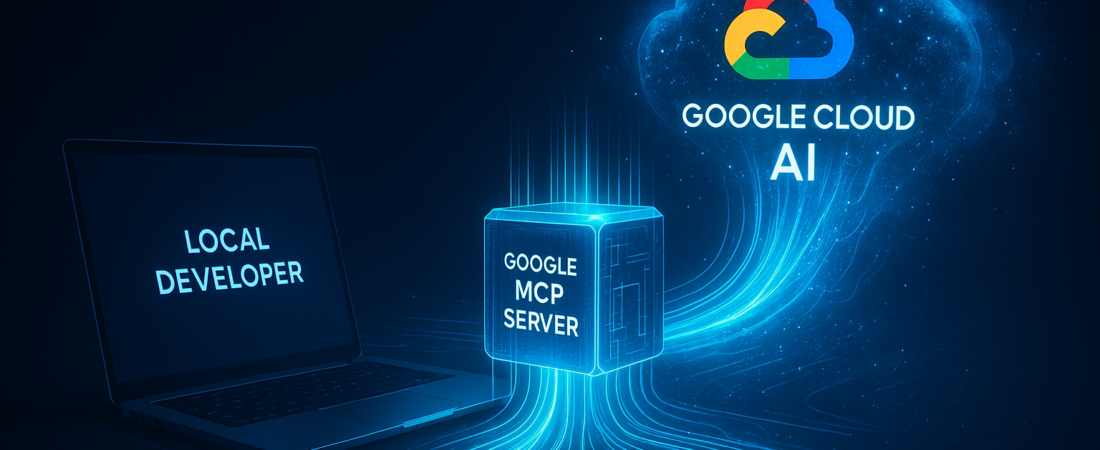
The “walled garden” era of enterprise AI development is dying. For months, developers have faced a frustrating binary choice: build within Google Cloud’s ecosystem to access powerful Vertex AI resources, or build in local IDEs and third-party frameworks like Claude Code, losing easy access to their cloud-hosted models and prompt templates. Google just neutralized that trade-off.
By launching a remote Model Context Protocol (MCP) server for the Gemini Enterprise Agent Platform, Google is effectively turning its entire cloud AI infrastructure into a plug-and-play peripheral for your favorite local development tools. This move follows a broader industry shift toward Agentic AI, where the focus has moved from simple chatbots to autonomous systems capable of executing complex workflows across different environments.
| Attribute | Details |
| :— | :— |
| Difficulty | Intermediate |
| Time Required | 10–15 Minutes |
| Tools Needed | Google Cloud Project, MCP-compatible client (Claude Code, IDE), Gemini API access |
The Why: Bridging the “Local vs. Cloud” Gap
The Model Context Protocol (MCP) is rapidly becoming the USB port of the AI age. Until recently, if you wanted your local AI agent to interact with a cloud-hosted model registry or a private notebook, you had to write custom, brittle integration code.
This new remote MCP server solves three specific headaches:
- Tooling Freedom: You can now use “Claude Code” or the Antigravity coding agent to trigger Google Cloud functions without leaving your terminal.
- Governance without Friction: IT teams usually hate external tools reaching into the cloud. This bridge uses native IAM Deny policies, meaning security teams can lock down exactly what an external agent can “see” in your Model Garden.
- Asset Discovery: Instead of hunting for the latest prompt version in a UI, your agent can query the Agent Registry directly via the MCP server to find the sanctioned company templates.
Step-by-Step Instructions: Linking Your Local Agent to Google Cloud
Setting this up doesn’t require a DevOps degree, but you do need to follow the sequence strictly to ensure the handshake between your local environment and Google Cloud is secure. This is a significant evolution from the previous Gemini Enterprise Agent Platform guide as it now integrates directly with local development workflows.
- Activate the Gateway: Head to your Google Cloud Console. You don’t need to install a specific “MCP” plugin here; simply enabling the Gemini Enterprise Agent Platform API automatically turns on the remote MCP functionality.
- Authorize Your Environment: Ensure your local machine is authenticated via the
gcloudCLI. The MCP server relies on your existing credentials to determine what resources the agent can access. - Configure the Remote Client: Open your client configuration file (e.g., your
claude_desktop_config.jsonor equivalent). Point the client to the Google-managed remote MCP endpoint. Unlike local MCP servers that run as scripts, this is a hosted URL that acts as a persistent bridge. - Select Your Toolsets: The platform offers specific “endpoints” for different tasks. If you only need to run inferences, focus on
/mcp/predict. If you’re managing complex workflows, you’ll want to pull in the/mcp/notebookand/mcp/promptstoolsets. - Test the Handshake: Run a simple prompt through your IDE agent: “List the model templates available in my Agent Registry.” If configured correctly, your local agent will return a list of assets living thousands of miles away in a Google data center.
💡 Pro-Tip: Don’t grant “Project Owner” permissions to your developer service accounts for MCP. Use Fine-Grained IAM Roles. By assigning specific roles to the /mcp/models and /mcp/prompts endpoints, you can ensure that even if a developer’s local environment is compromised, the attacker can’t delete your entire Model Garden. This type of governance is central to building a secure AI Operating System within the enterprise.
The “Buyer’s Perspective”: Is This Better Than Custom APIs?
For years, the industry standard was to build custom REST API wrappers to connect front-end agents to back-end cloud resources. Google’s move to MCP makes that approach look archaic.
The Pros: It adheres to an open standard. If you build an agent today using Google’s MCP server, you aren’t necessarily locked into a proprietary Google-only language. It’s significantly faster to deploy than custom middleware. Similar breakthroughs are being seen in other sectors, such as how People.ai uses the Model Context Protocol to connect sales agents to unstructured data.
The Cons: It’s still early days for the MCP ecosystem. While Google has provided over 50 managed servers, the performance overhead of “remote” MCP calls can occasionally lead to higher latency compared to running a local Python script. However, for most enterprise workflows—like prompt management and model tuning—this latency is negligible.
Compared to Amazon or Microsoft’s current offerings, Google is leaning harder into the “open standard” aspect by embracing the Anthropic-created MCP spec so quickly. It’s a savvy move to capture developers who love third-party tools but need the scale of Google Cloud.
FAQ
Do I have to pay extra for the MCP server?
No. The MCP server is a feature of the Gemini Enterprise Agent Platform. You pay for the underlying resource usage (like model inference or notebook execution), but the “bridge” itself is part of the API.
Can I use this with VS Code?
Yes, provided you are using an MCP-compatible extension or a terminal-based agent like Claude Code within the VS Code environment.
Is my data sent to the public web?
No. The MCP server operates within Google Cloud’s security perimeter. Connections are encrypted, and access is governed by your organization’s VPC and IAM settings.
Ethical Note/Limitation: While this tool streamlines connectivity, it cannot automatically resolve data residency conflicts; developers must still manually ensure that the remote resources they access comply with their region’s specific data sovereignty laws.