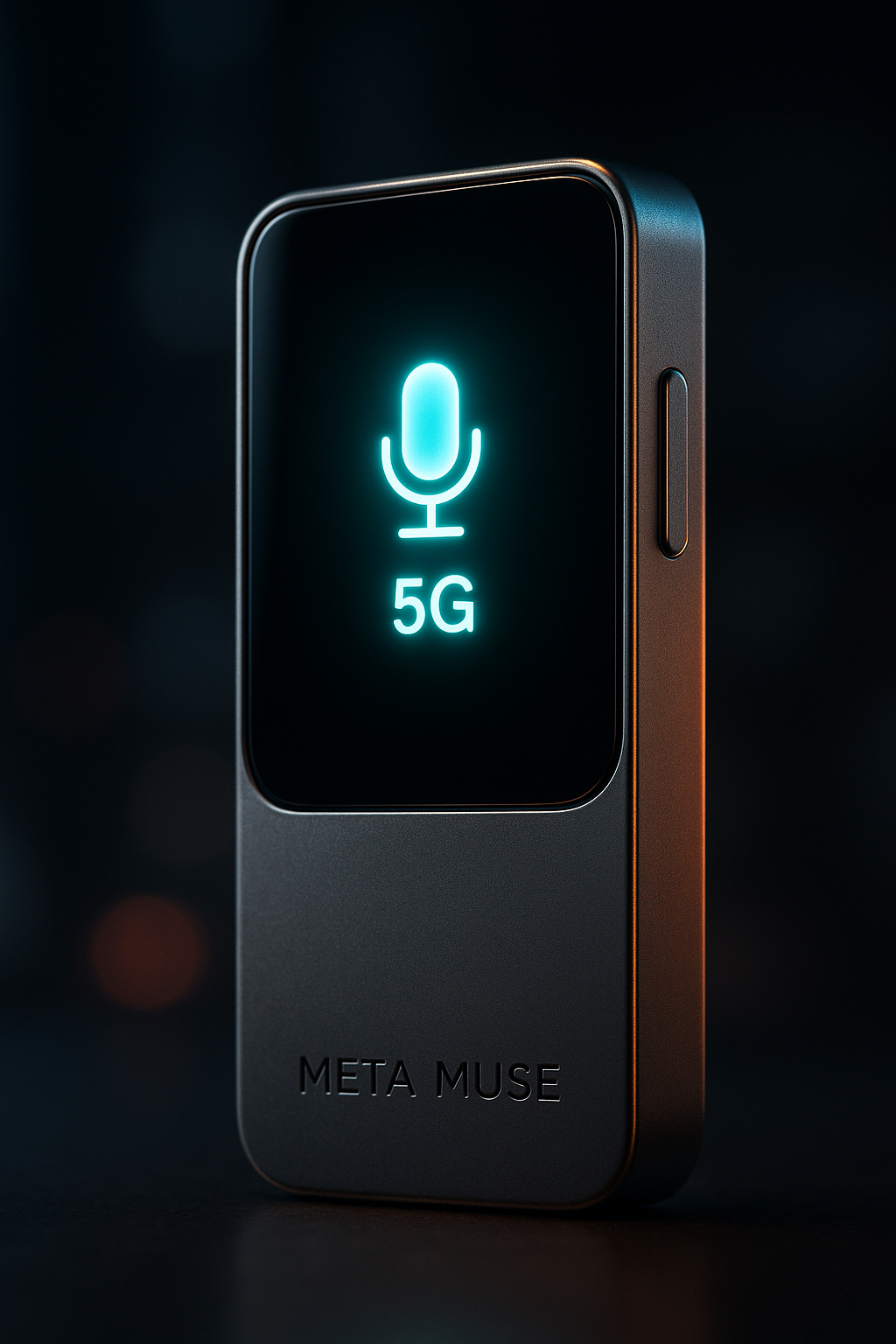
Smartphones are getting exhausting. Between the doom-scrolling and the constant ping of notifications, we’ve become tethered to slabs of glass that demand our full visual attention. Meta wants to cut the cord. Enter the Muse, a compact, standalone AI “charm” designed to act as a personal agent that lives on your collar or pocket rather than in your palm.
Unlike the Meta Ray-Bans, which hide technology inside a familiar frame, the Muse is a dedicated piece of hardware—a tiny, 5G-enabled companion equipped with cameras and microphones. It represents Meta’s clearest signal yet that they believe the future of computing isn’t just wearable; it’s conversational.
| Attribute | Details |
| :— | :— |
| Category | AI Wearable / Hardware |
| Connectivity | Built-in 5G & Bluetooth |
| Input Method | Natural Voice & Visual (Cameras) |
| Ecosystem | Meta AI / Llama 3+ |
| Target User | Early adopters and digital minimalists |
The Why: Moving Beyond the Screen
The tech industry is currently obsessed with “ambient computing”—the idea that technology should be available when you need it and invisible when you don’t. The Rabbit R1 and the Humane AI Pin attempted this, but largely stumbled due to poor battery life and sluggish response times.
Meta is in a unique position to succeed where others failed. They own the most popular social graphs on the planet and have one of the world’s most sophisticated open-source AI models (Llama). The Muse isn’t just a gadget; it’s a physical manifestation of Meta AI. It solves the friction of the smartphone: instead of unlocking a device, finding an app, and typing a query, you simply speak to the air. It’s designed for the “in-between” moments—navigating a new city, identifying a plant on a hike, or remembering a person’s name at a conference—without the social barrier of a screen. This shift signals a broader trend where Meta Muse AI agents and wearable tech are redefining how we interact with the digital world.
How to Integrate Ambient AI Into Your Workflow
If you’re looking to transition from screen-heavy interaction to a “voice-first” lifestyle with devices like the Muse, follow this implementation strategy:
- Audit Your Micro-Tasks: Identify the 10 things you do on your phone that take less than 30 seconds (setting reminders, checking weather, sending brief WhatsApps). These are the Muse’s primary use cases.
- Configure Your Personal Agent: Within the Meta AI dashboard, define your “Personas.” Instruct the AI on how you want to be briefed—whether you prefer concise bullet points or detailed explanations. You can even set up Meta Muse to handle specific shopping tasks and automated workflows.
- Utilize Visual Context: Use the built-in cameras to “show” the device what you’re looking at. Ask questions like “How do I fix this leak?” or “Translate this menu,” allowing the AI to use its computer vision to provide real-time utility.
- Sync Your Social Graph: Connect your Meta accounts (Threads, WhatsApp, Instagram) to allow the Muse to send messages and post updates via voice, keeping your hands free while you move. To get the most out of these platforms, you can use Meta AI’s Muse inside Instagram and WhatsApp to generate real-time images and streamline your mobile integration.
💡 Pro-Tip: To maximize battery life and privacy, toggle the “Passive Listening” mode. Instead of having the device always active, set it to trigger only via a physical tap or a specific haptic gesture on the device body. This prevents accidental activations and significantly extends the 5G standby time.
The “Buyer’s Perspective”: Meta vs. The World
The Muse enters a crowded, albeit struggling, field. The Humane AI Pin was criticized for overheating and being overpriced. The Rabbit R1 felt like a toy with unfinished software.
Meta’s advantage is twofold: Infrastructure and Price. Meta can afford to subsidize the hardware to get their AI into your daily life. Furthermore, the Muse benefits from Meta’s massive investment in Llama. While competitors rely on third-party APIs (like OpenAI), Meta owns the full stack. This means lower latency and better integration with the apps you actually use daily, like WhatsApp.
However, the “Meta factor” remains the biggest hurdle. Trusting a company with a history of privacy concerns to put a 5G-connected camera and microphone on your chest is a big ask. The Muse will live or die based on how much control Meta gives users over their data. Some critics have already raised concerns about Pseudo-AI risks, questioning whether human workers are being used to mimic these automated voice agents.
FAQ: What You Need to Know
Does the Muse require a smartphone to work?
No. With built-in 5G, the Muse is designed as a standalone device. While you may need a phone for the initial setup, it functions independently for voice calls, messaging, and AI queries.
Is it always recording?
Meta claims the device uses a local buffer for wake-word detection, meaning audio is only sent to the cloud once the device is activated. A physical LED indicator typically signals when the camera or microphone is active.
Can it run third-party apps?
Rather than traditional apps, the Muse uses “Skills” or “Agents.” It interacts with services via API, meaning you won’t be scrolling a tiny version of Uber; you’ll be telling the Muse to “Call me a ride to the airport.”
Ethical Note/Limitation: The Muse is currently limited by “hallucinations” inherent in LLMs; it can confidently provide incorrect directions or factual errors, so it should not be relied upon for mission-critical safety information.